One tap, full control
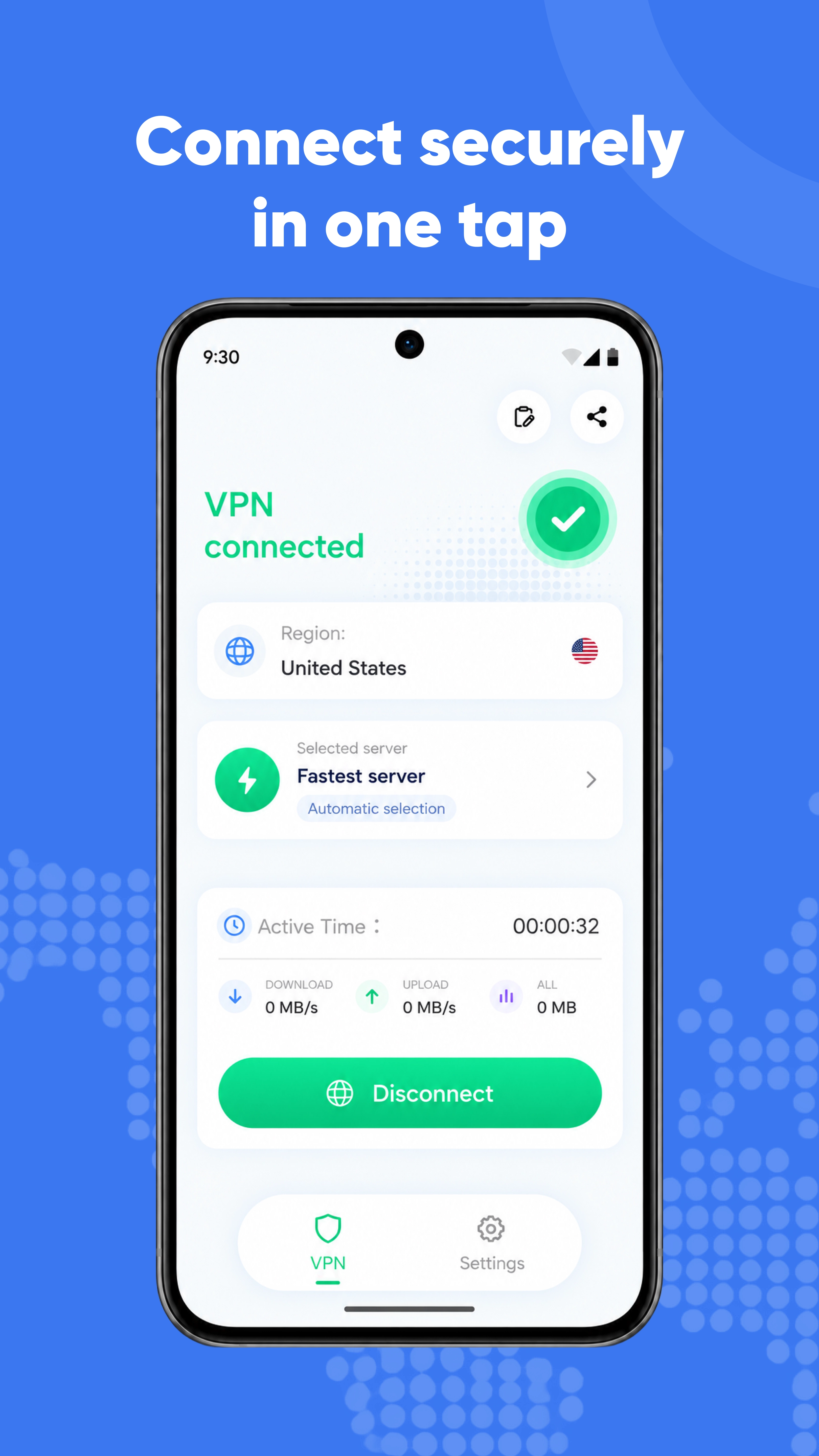
Connect or disconnect with one tap, and enable auto-connect for an easier everyday experience.
ONE-TAP CONNECTIONA simpler way to manage VPN connections on Android.
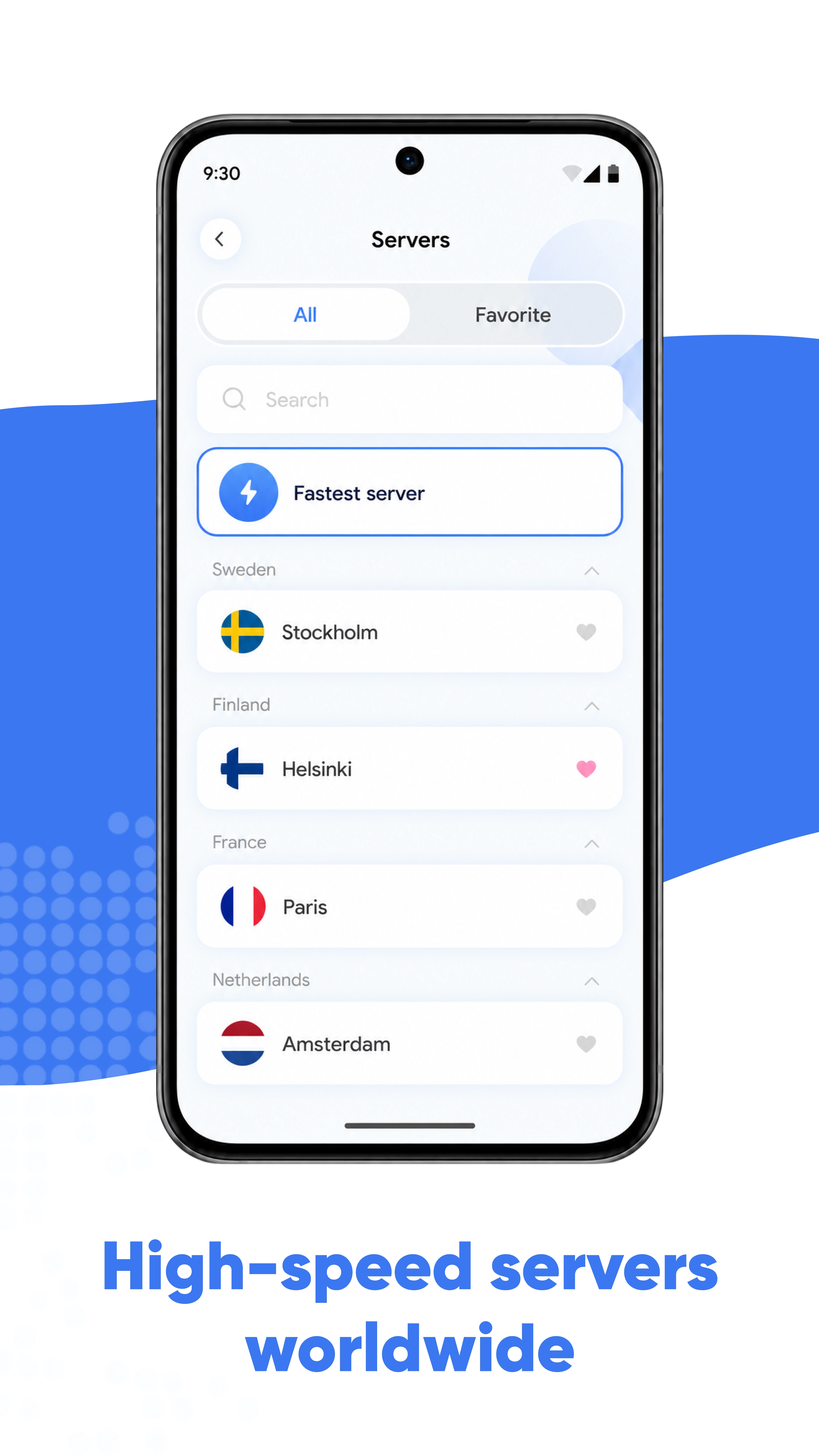
Choose from available servers, connect in a tap,
and keep your status and traffic in view.
LESS EFFORT. MORE CONTROL.
Complexity stays out of the way.
The controls stay clear.
Connect or disconnect with one tap, and enable auto-connect for an easier everyday experience.
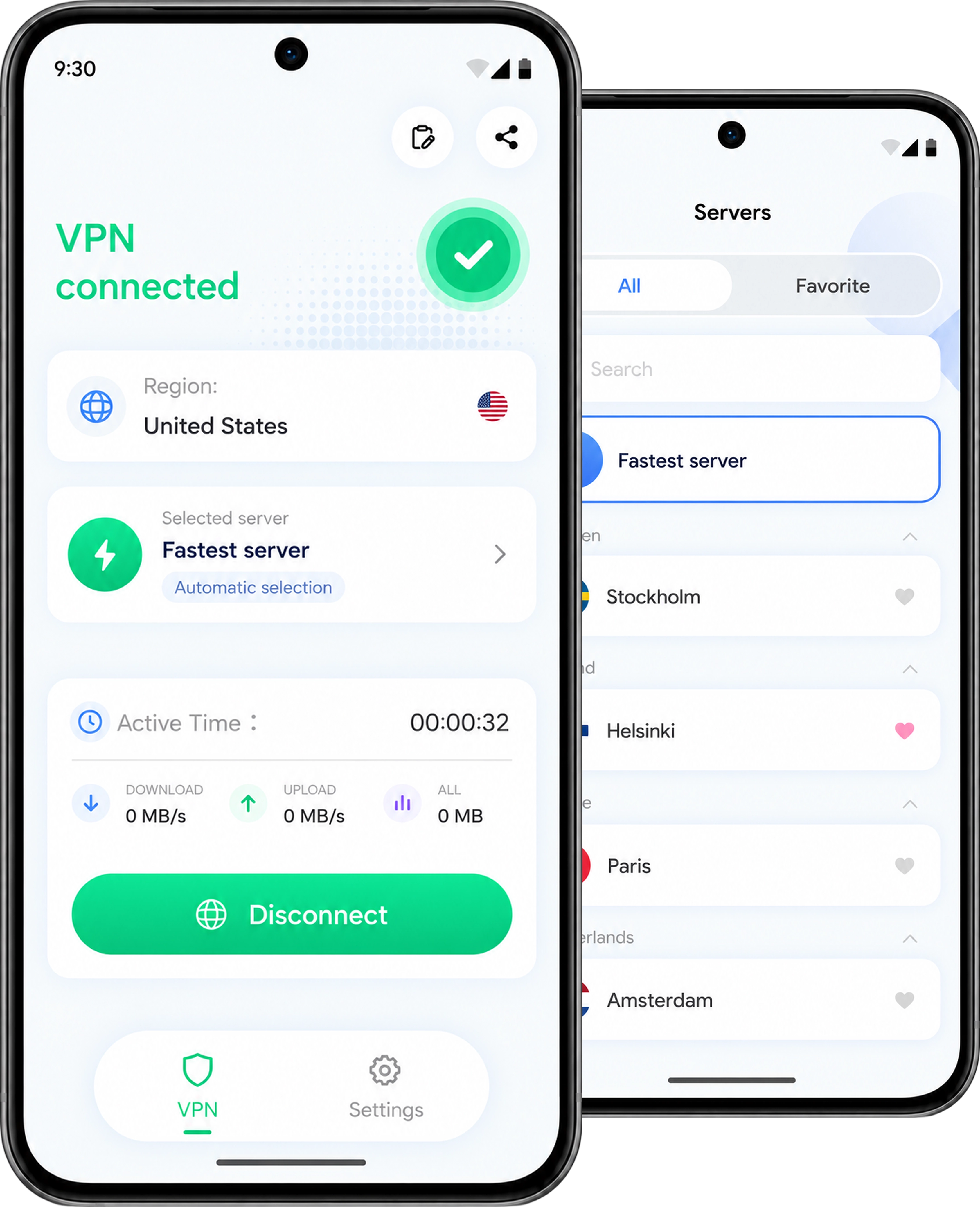
ONE-TAP CONNECTIONBrowse available servers, search quickly, and choose the option that works for you.
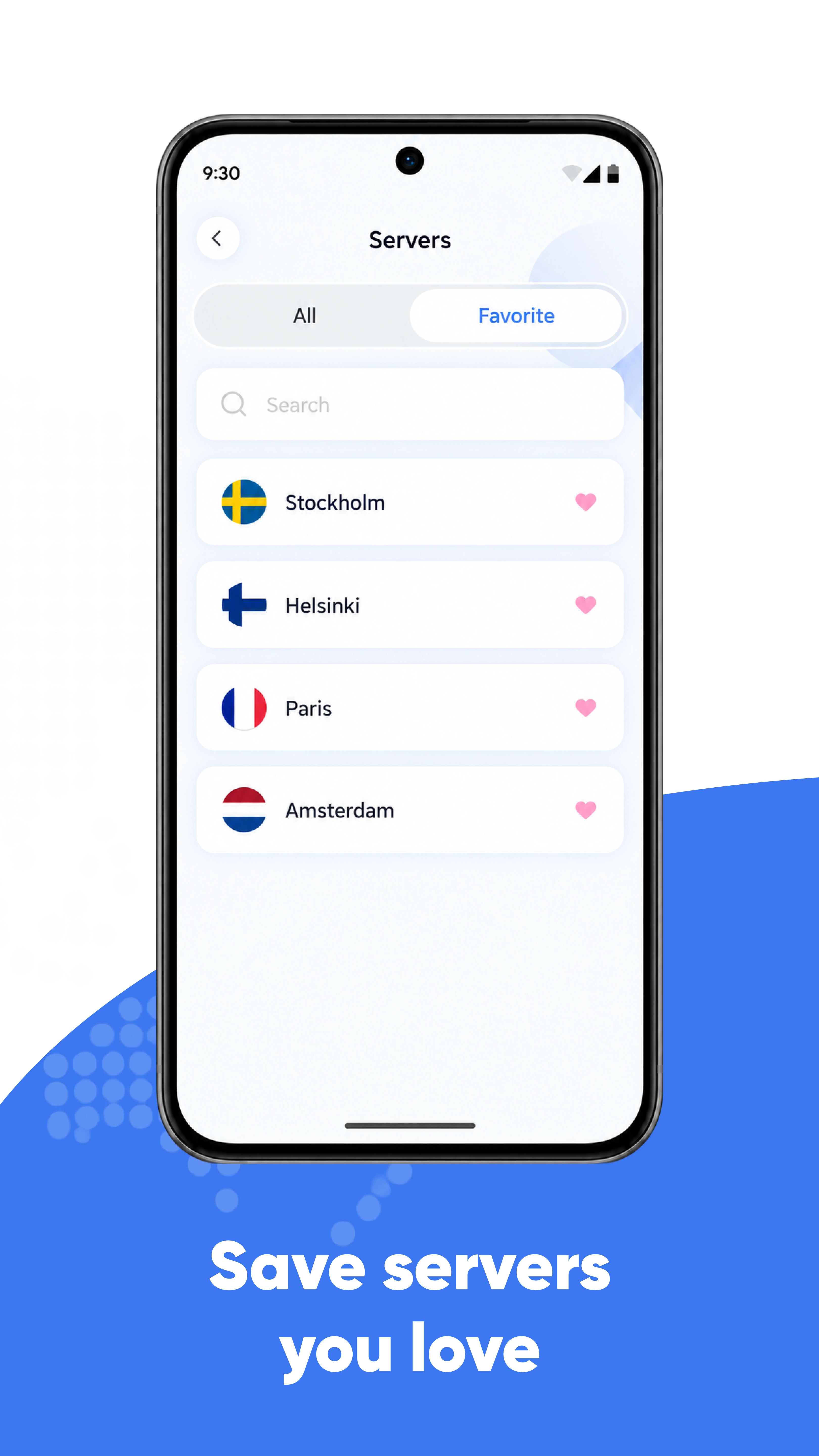
SERVER SELECTIONAdd frequently used servers to your favorites so they are easy to find next time.
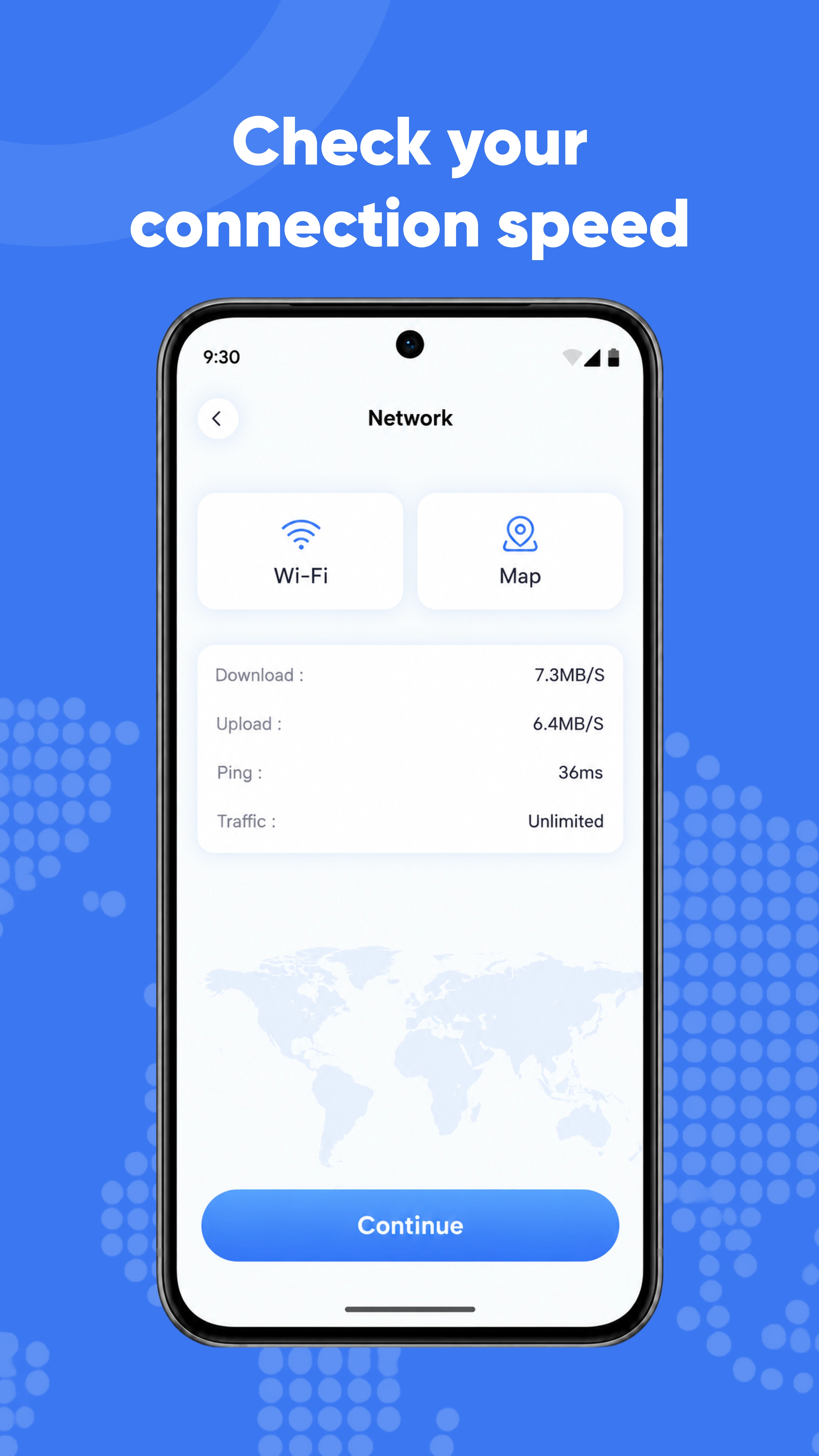
YOUR FAVORITESView connection status, active time, download, upload, and total traffic information.
CLEAR CONNECTION STATS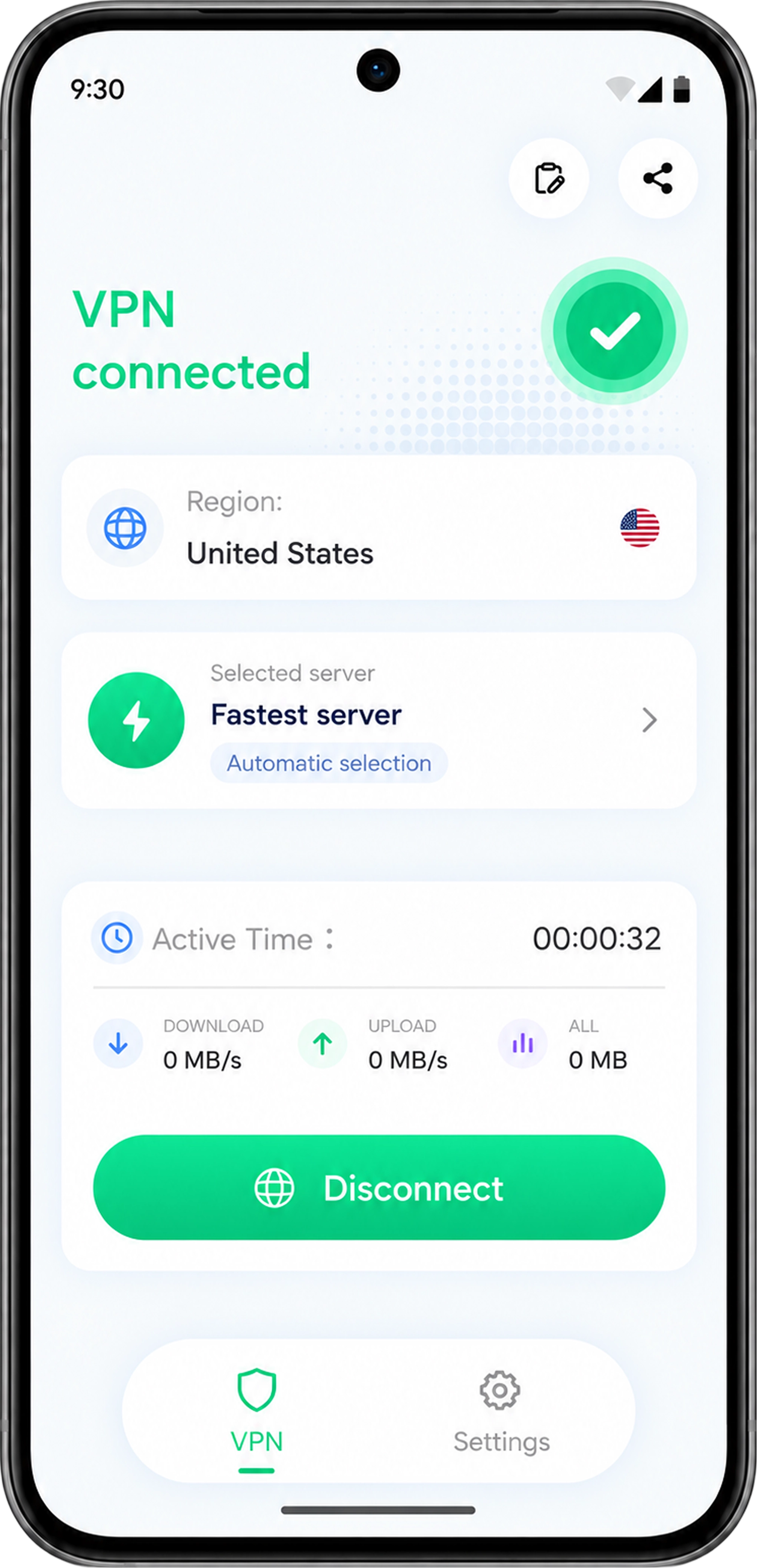 01 / 04 — Connection Home
A CLOSER LOOK
Familiar controls and useful information.
You always know what to do next.
Screens are shown for illustration. Actual content depends on the app and available configuration.
SEE IT IN ACTION
All product images use high-resolution web assets.
Click any image to view it at full size.
READY WHEN YOU ARE
Visit Google Play and install
SwiftSurf VPN on your Android device.
Select an available server,
or search and save your favorites.
Allow the Android VPN connection request,
then view your status on the home screen.
SwiftSurf VPN is an Android app for managing VPN connections. You can connect or disconnect, choose from available servers, search and save favorites, and view connection status and traffic information.
Open the app, choose an available server, tap the connect button, and allow the Android VPN connection request. Tap the corresponding button again when you want to disconnect. You can also enable auto-connect in the app.
Yes. You can browse available server options, use search to find one quickly, and save frequently used servers to your favorites. Available options may vary.
Connection availability and performance depend on your network and configuration. Check that your device has a working network connection, then reconnect or try another available server. Contact us if the issue continues.
SwiftSurf VPN is available for Android, uses the Android VPN service, and may display ads. Check the Google Play listing for current compatibility and installation requirements.
Visit the Privacy Policy. For product support or privacy questions, email [email protected].
LET’S GET CONNECTED
A clear, simple VPN connection manager for Android.